Unlock Creativity with Convoclip: Fake Chat & Texting Stories
Quick answer
Convoclip is a browser-based texting-story maker that lets you craft realistic fake chat conversations and export them as high-resolution videos or images for social platforms. Use it to tell short fiction, build viral TikTok reels, or prototype dialogue-driven scenes—fast, with full control over visuals, timing, and voiceovers. (convoclip.com)
Why fake chat and texting stories work for storytelling
Texting stories—short narratives told through chat bubbles and message timing—grab attention because they read like a private moment. They feel immediate: readers scroll, see a snippet of drama or humor, and keep watching to find out what happens next. Creators use fake chat formats to tell micro-dramas, reveal twists, and stage comedic beats in 15–60 second vertical videos that perform well on TikTok, Reels, and YouTube Shorts. Tools that make this easy, like Convoclip, let you focus on the idea instead of fiddly editing. (filmora.wondershare.com)
What Convoclip is (and what it isn’t)
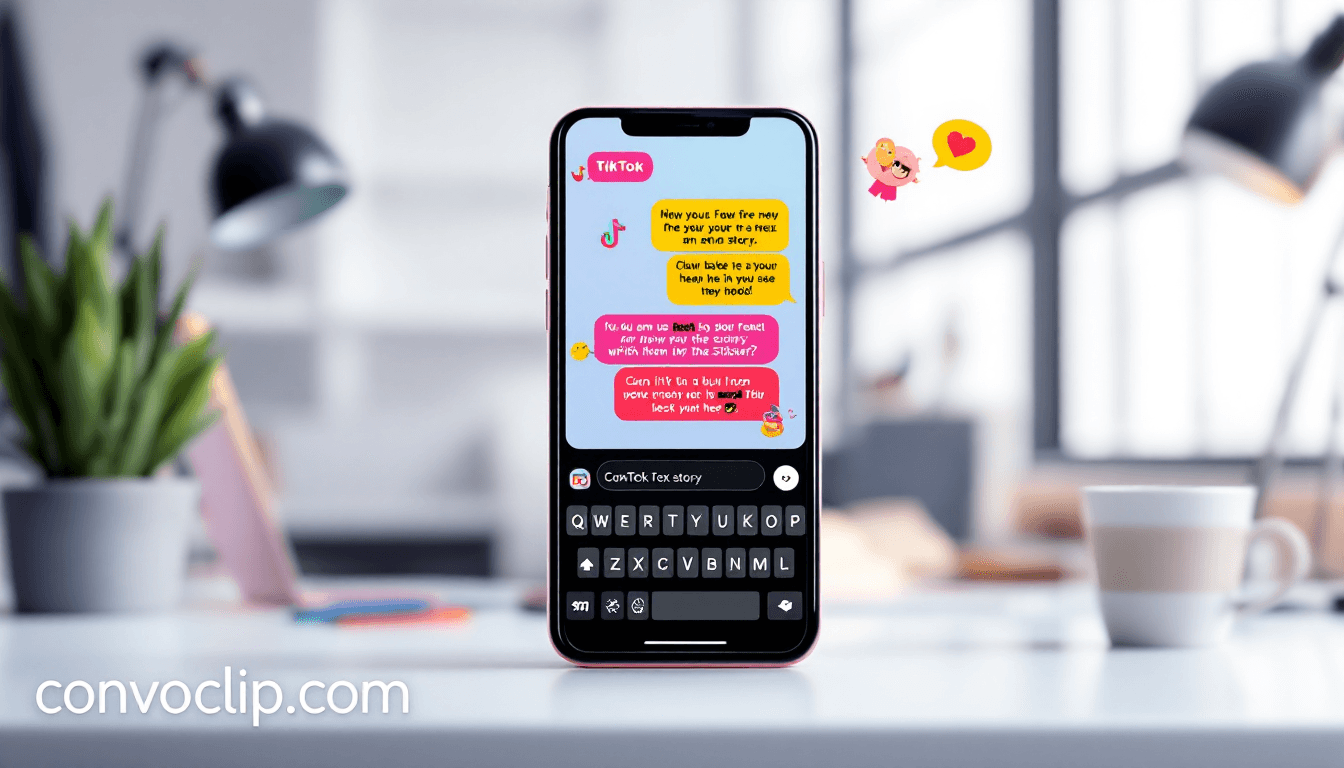
Convoclip is an online texting story maker that runs entirely in your browser—no app download required. It provides message templates, typing effects, customizable avatars and names, background motion, and AI voiceovers so you can turn a chat script into a polished vertical video quickly. There are free and credit-based paid options and export settings tuned for social formats. (convoclip.com)
Convoclip is not a live messaging platform or a tool for impersonation. It is a creative generator for fiction, marketing, and short-form content creation. Use it responsibly.
Creative possibilities you can build with Convoclip
Explain: Convoclip makes it simple to convert a written conversation into a scrollable, animated video. That means you can test dialogue, punch up comedic timing, and visualize pacing before you commit to voice or acting.
Show: Real-world ideas you can make today:
- Short fiction episodes: build a serialized chat-story using recurring characters and cliffhangers.
- Social experiments and sketches: stage a surprising DM exchange, then cut to reaction shots or punchlines.
- Product storytelling: show customer conversations that highlight features or benefits in a narrative frame.
- Educational micro-lessons: present Q&A threads or step-by-step guidance as a chat between teacher and student.
- Behind-the-scenes marketing: dramatize a team discussion to humanize your brand.
Apply: How this helps you as a creator — you can prototype fast, iterate on tone, and publish content tailored to vertical platforms without advanced video editing skills.
A quick how-to: make a texting story in 6 steps
- Draft your script as alternating lines for each character — short messages read best.
- Open Convoclip and choose the "Texting Story" template; set aspect ratio to 9:16 for TikTok/Reels. (convoclip.com)
- Paste your script or type messages directly; adjust names, avatars, timestamps, and read receipts.
- Add motion or a background clip to set the mood, then choose an AI voiceover or upload your audio.
- Preview and tweak message timing, typing delays, and caption styles to control pacing.
- Export as MP4 (vertical) or high-resolution images and post with hashtags relevant to your niche.
Concrete tip: keep each message under 10–12 words on average—short bursts keep viewers engaged and reduce on-screen reading time.
Design and storytelling best practices
- Use contrast: pair plain chat bubbles with a subtle animated background so the conversation stays readable but cinematic.
- Give characters distinct voice patterns: one talks in short sentences, the other in emojis—variety makes characters memorable.
- Timing matters: typing indicators, small delays, and message reveal speed control emotional beats.
- Hook early: lead with a surprising line in the first 3–5 seconds.
Use cases and examples (realistic scenarios)
- Fiction micro-series: release weekly episodes of a relationship mystery told entirely through texts.
- Creator comedy: make short prank or absurd chat skits that play to algorithmic formats.
- Portfolio pieces: writers and voice actors can show sample scenes as short, produced clips.
- Brand social ads: dramatize a customer problem and solution via a scripted DM exchange.
Ethics and safety (what to watch for)
Fake chat tools are powerful, but they can be misused. Always label fiction when necessary, never impersonate a real person, and avoid creating material intended to deceive, defame, or harass. When in doubt, add a short caption like “Fictional conversation” and respect platform rules and local laws.
How Convoclip compares to other tools
Convoclip’s browser-first workflow and vertical presets make it an attractive pick for creators who prioritize speed and social-ready exports. Other apps focus on mobile-only editing or screenshot-style mockups; Convoclip maps quickly from script to finished video with typing effects and AI voice integration. For users who want a web tool that supports rapid iteration and multiple export formats, Convoclip is a practical choice. (blog.vidulk.com)
Quick features checklist
- Browser-based editor (no download). (convoclip.com)
- Vertical and square export presets for social.
- Customizable message visuals, avatars, and timestamps.
- AI voiceovers and subtitle styles.
- Instant preview and high-resolution export. (convoclip.com)
FAQ
Can I use Convoclip for free?
Yes — Convoclip offers free creation options and a credit-based model for higher-volume exports and premium features. Check their pricing page for current plans and credit packs. (convoclip.com)
Will my Convoclip videos look realistic?
Convoclip focuses on polished, cinematic texting stories rather than literal screenshots. With avatar customization, typing effects, and timing controls, you can make believable conversations that read crisply on mobile screens. (convoclip.com)
Is Convoclip safe to use for brand content?
Yes—Convoclip is designed for creators and brands to produce fictional or illustrative content. Follow ethical guidelines: disclose fiction when appropriate and avoid impersonation of real people. (convoclip.com)
What platforms are these videos best for?
Vertical texting-story videos perform very well on TikTok, Instagram Reels, and YouTube Shorts. Convoclip has export presets that match those platforms’ aspect ratios. (convoclip.com)
Key takeaways
- Convoclip is a browser-based texting story maker that turns scripts into social-ready videos quickly. (convoclip.com)
- Fake chat formats capture attention by presenting narrative as private, scrollable interactions.
- Use short messages, timing, and distinct character voices to maximize engagement.
- Convoclip’s presets and AI voice options speed production for TikTok, Reels, and Shorts. (convoclip.com)
- Always use these tools responsibly and label fictional conversations when necessary.
Final thought
If you love writing dialogue, testing short-form ideas, or creating attention-grabbing social content, Convoclip shrinks the production gap between concept and shareable video. Start with a one-minute script, test a few voice styles, and you’ll see how a simple chat can become a repeatable format for storytelling and audience growth. (convoclip.com)